Master the core SCM structure: Item Master, Child Orgs, Subinventories, and Locators.
The Inventory Organization is the fundamental building block of Oracle Supply Chain Management. It represents a physical or logical entity (like a warehouse or a manufacturing plant) where items are stored, transacted, and costed. This guide walks you through the structural setup from the Item Master down to Locators.
A Primary Ledger must be created to link the inventory organization to the GL for costing.
The inventory organization must belong to a specific Legal Entity for tax and statutory reporting.
An Operating Unit is required to process order management and purchasing transactions for the warehouse.
SCM Consultant
SCM Consultant
SCM Consultant
Warehouse Manager
Actor: SCM Consultant | Module: Oracle Inventory
The Item Master Organization is a logical entity. It does not hold physical stock. It is used as a central repository to define items once, and then assign those items to the physical "Child" inventory organizations.
Example: Create an organization called "Global Item Master" (Code: IMO). Do not define any physical subinventories under it.
Navigation Path:
Setup and Maintenance > Manage Item Organizations
Key Actions:
In Fusion, you explicitly create an "Item Organization" separately from an "Inventory Organization".
Actor: SCM Consultant | Module: Oracle Inventory
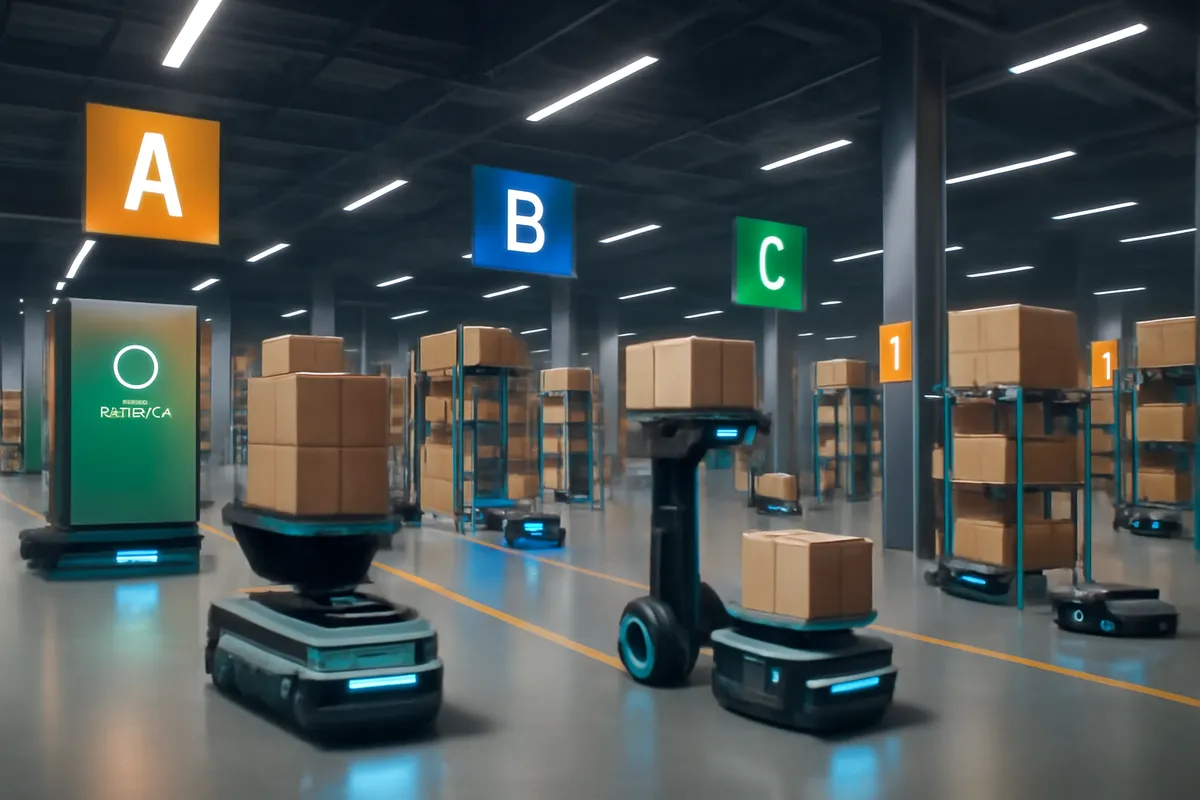
A Child Inventory Organization represents a physical facility, such as a warehouse, manufacturing plant, or distribution center. This is where goods are received, stored, and shipped.
Example: Create a new organization called "New York Distribution Center" (Code: NYC). Link it to the "Global Item Master" organization created in Step 1.
Navigation Path:
Setup and Maintenance > Manage Inventory Organizations
Key Actions:
Create Inventory Organization, link it to a Business Unit, Legal Entity, and the Item Master.
Actor: SCM Consultant | Module: Oracle Inventory
Parameters dictate how the specific warehouse operates. You define the costing method (e.g., Standard, Average, FIFO), locator control, lot/serial control, and default GL accounts for transactions.
Example: Set the Costing Method to "Average Costing" and enable "Locator Control" as "Determined at Subinventory Level" for the NYC warehouse.
Navigation Path:
Setup and Maintenance > Manage Inventory Organization Parameters
Key Actions:
Define Costing, Item sourcing, and Lot/Serial parameters. Note: Costing in Fusion is handled heavily in the separate Cost Management module.
Actor: Warehouse Manager | Module: Oracle Inventory
Subinventories are physical or logical subdivisions within an Inventory Organization. Every item must be stored in a subinventory. Examples include "Raw Materials", "Finished Goods", or "Quarantine".
Example: Create a subinventory named "BULK_STORAGE" for the NYC warehouse. Set its status to "Asset" (meaning its value hits the balance sheet).
Navigation Path:
Setup and Maintenance > Manage Subinventories and Locators
Key Actions:
Same process. You can also define Locator Control at this level.
Actor: Warehouse Manager | Module: Oracle Inventory
Locators provide the most granular level of tracking within a warehouse. They typically represent specific aisles, racks, and bins within a subinventory.
Example: Inside the "BULK_STORAGE" subinventory, create locators like "Aisle 1-Rack A-Bin 01" to pinpoint exactly where goods are placed.
Navigation Path:
Setup and Maintenance > Manage Subinventories and Locators
Key Actions:
Define the locator segments and create the physical locators within the chosen subinventory.
Actor: System Administrator | Module: Oracle Inventory / System Administration
Even if an inventory organization is created, users cannot see or transact in it until they are explicitly granted access. Unlike financial modules that use MOAC, Inventory uses its own security mechanism.
Example: Grant the "Inventory Super User" responsibility access to the "NYC Distribution Center" organization.
Navigation Path:
Setup and Maintenance > Manage Data Access for Users
Key Actions:
Assign the "Inventory Organization" security context to the user's role (e.g., Warehouse Manager).
Understand the difference between MOAC security and Inventory Org security.
Read GuideSee how inventory organizations play a role in fulfilling sales orders.
Read GuideLearn how items are received into subinventories during the P2P cycle.
Read Guide